Traveling to Portugal but only have a virtual credit card or mobile wallet like Apple Pay? You’re not alone — but renting a car in Lisbon without a physical card is tricky. Most rental agencies still rely on old-school plastic for deposits and contracts. However, there are workarounds.
This guide breaks down what’s possible, what’s not, and what you can do instead.
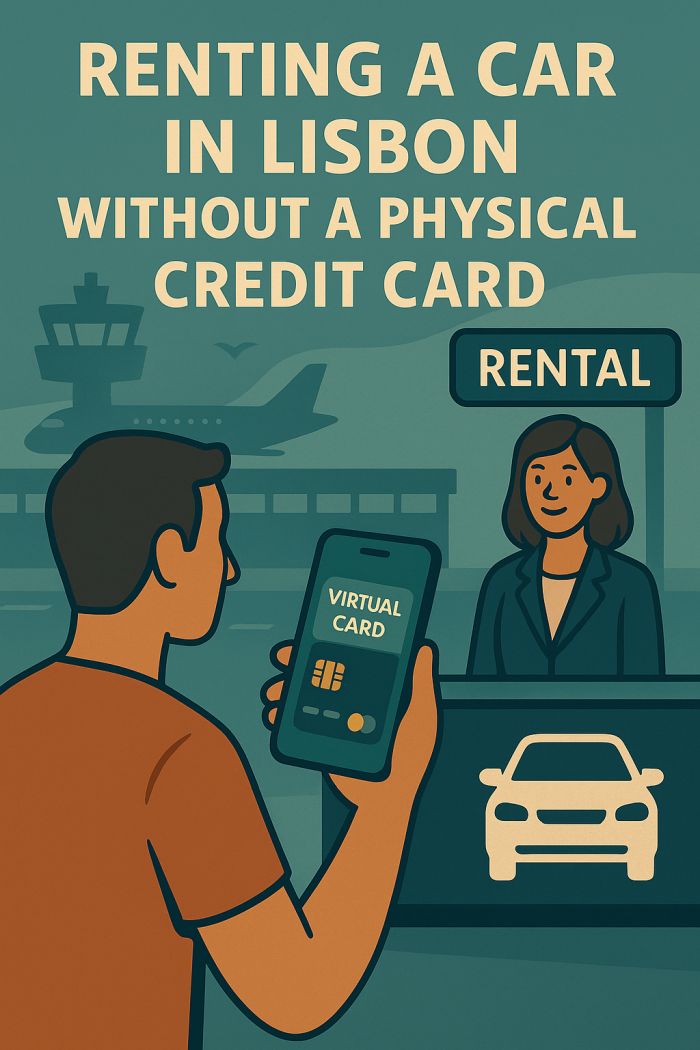
💳 Is It Possible to Rent a Car in Lisbon Without a Physical Credit Card?
Technically, no — but there are exceptions.
Most rental companies require a physical credit card at pickup to:
💸 Don’t Overpay at the Airport
Compare real-time rental deals with no hidden fees or credit card needed.
- block the security deposit
- verify cardholder identity
- swipe or chip-insert for authorization
🔐 Virtual cards (e.g. Revolut, Curve) or Apple Pay cannot be used alone for most rentals.
🏆 Which Companies Allow Virtual or Debit Card Workarounds?
| Company | Accepts Virtual Cards? | Notes |
|---|---|---|
| discovercars.com | ❌ Booking, yes – pickup, no | Still requires physical card at desk |
| Guerin | ⚠️ Debit only (physical) | No virtual cards at all |
| Drive on Holidays | ✅ Debit allowed | Must match driver name |
| Localrent Partners | ✅ Some allow cash/debit | Depends on local operator |
💡 Some local agencies or off-airport providers may allow pre-paid or debit cards with extra insurance.
📲 Can I Use Apple Pay or Google Pay?
Not directly at the rental desk. Most terminals in Portugal don’t accept mobile wallet deposits — only plastic card authorization is supported.
💡 Use Apple Pay for online booking only — not for car pickup.
✅ Alternatives if You Don’t Have a Physical Credit Card
1. Use a Debit Card Rental Company
- Only a few allow this in Lisbon
- Usually require extra insurance or full cover
- Deposit may still be blocked
2. Rent with a Driver (Transfer Service)
- No deposit or credit card required
- Fixed-price trips from Lisbon to major cities/beaches
3. Use a Friend or Travel Companion’s Card
- Must be present and added as main driver
- May require passport + consent form
💶 Insurance Tip: Go Full Coverage if You Don’t Have Credit
If you’re using:
- Debit card
- No physical card
- No deposit
→ then always choose “Full Coverage” or “Zero Excess” to avoid blocked funds.
🧭 Final Tips
- ✅ Book in advance and ask support directly about card policy
- ✅ Look for filters like “No Credit Card Needed”
- ✅ Bring official ID and printed booking confirmation
- ✅ If in doubt, rent from Drive on Holidays – best for debit card users